
Summary finding
Manufacturers typically supply a charged battery, a basic charger and a body cap or kit lens where specified; they do not supply enough consumables or second batteries for real-world use. Lenses, additional batteries, higher‑speed memory cards, protective glass, and support or audio for video are the items that most often double or triple the purchase price you see on the product page.
What manufacturers actually include
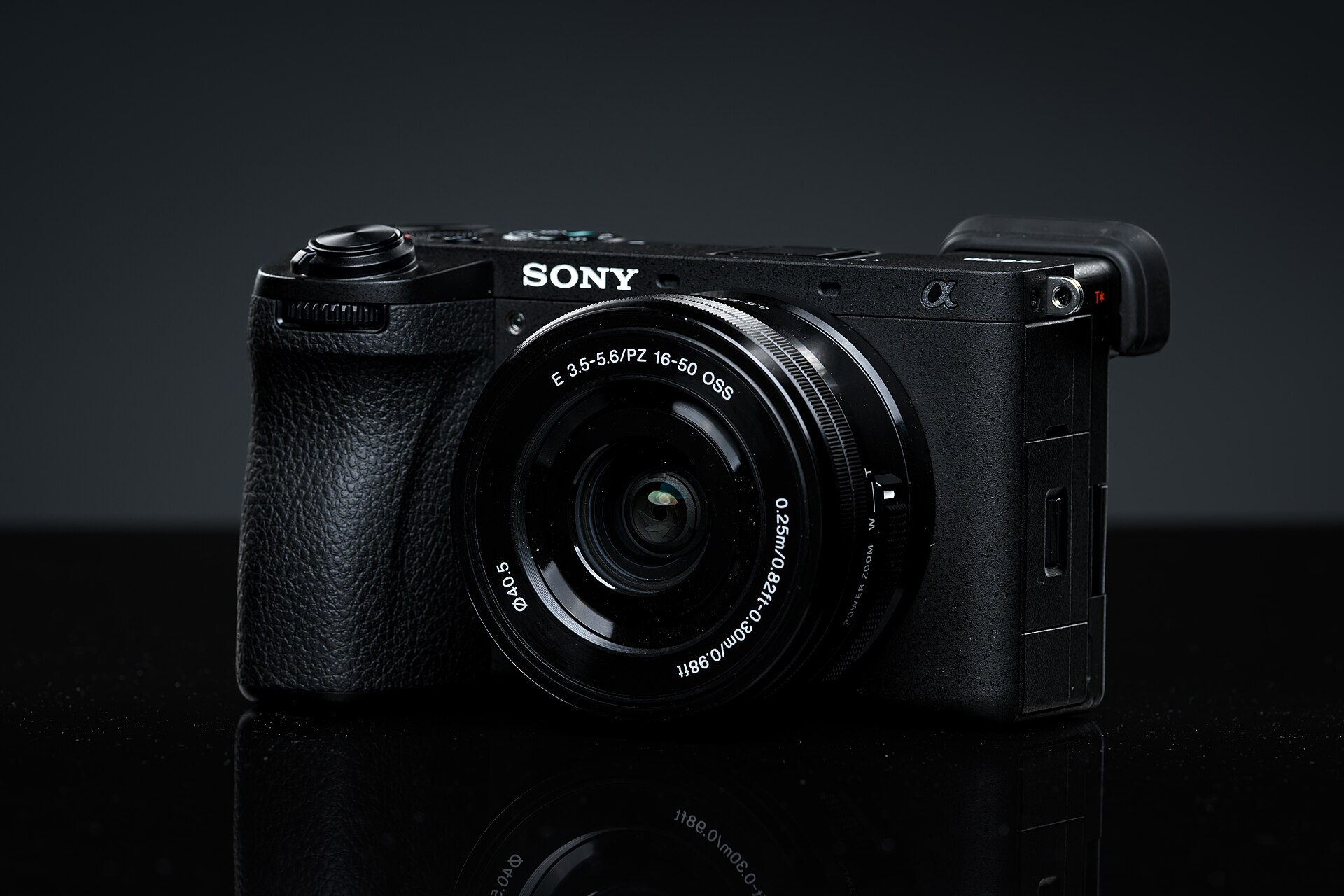
- Most interchangeable‑lens mirrorless bodies are offered both body only and lens kit variants: Sony lists the Alpha 6700 (ILCE‑6700) as available “Body Only” on its product pages. electronics.sony.com
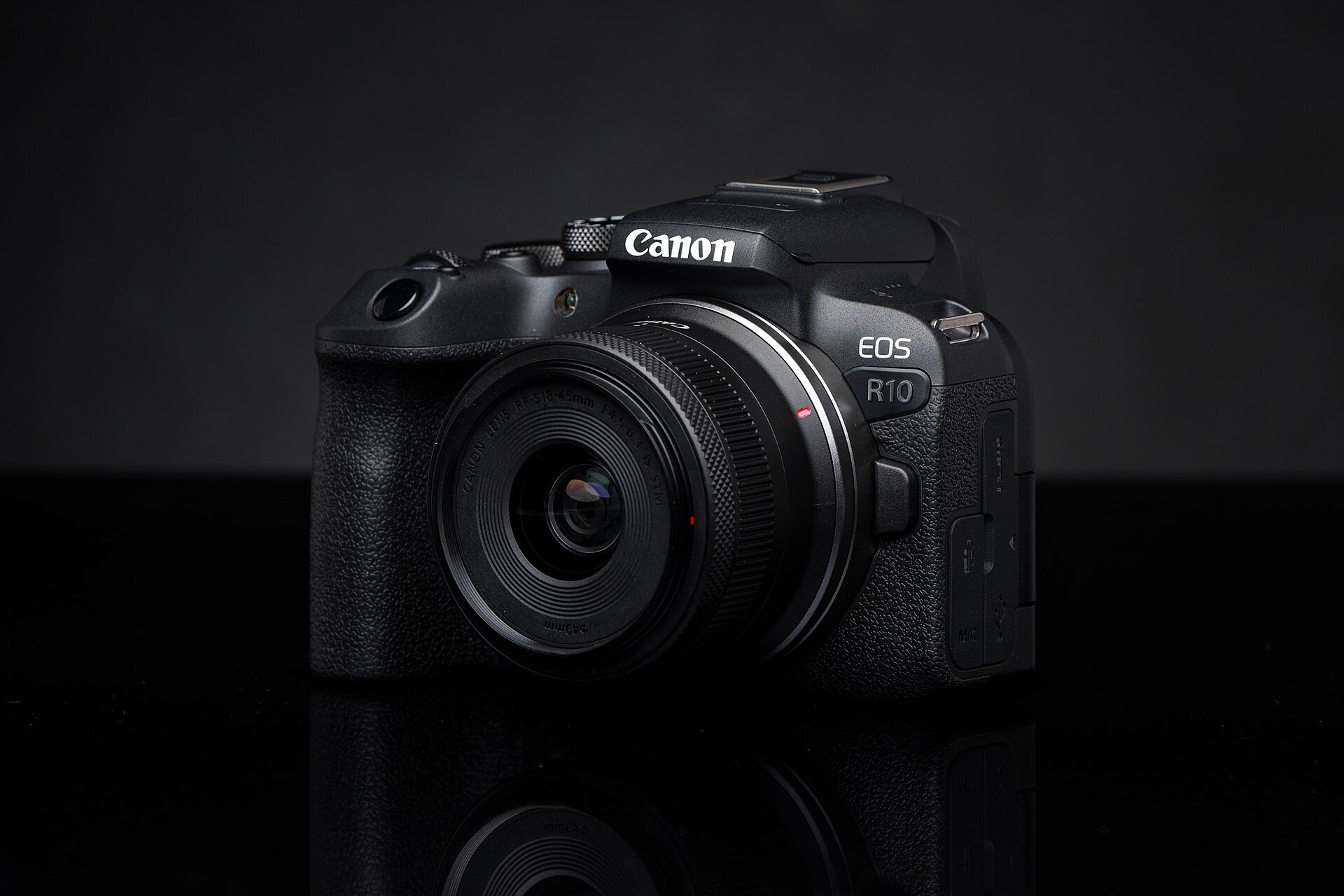
- Canon’s official EOS R10 package contents show the camera ships with one LP‑E17 battery and an appropriate charger or in‑camera charging instructions; a single battery is the norm in the box. cam.start.canon
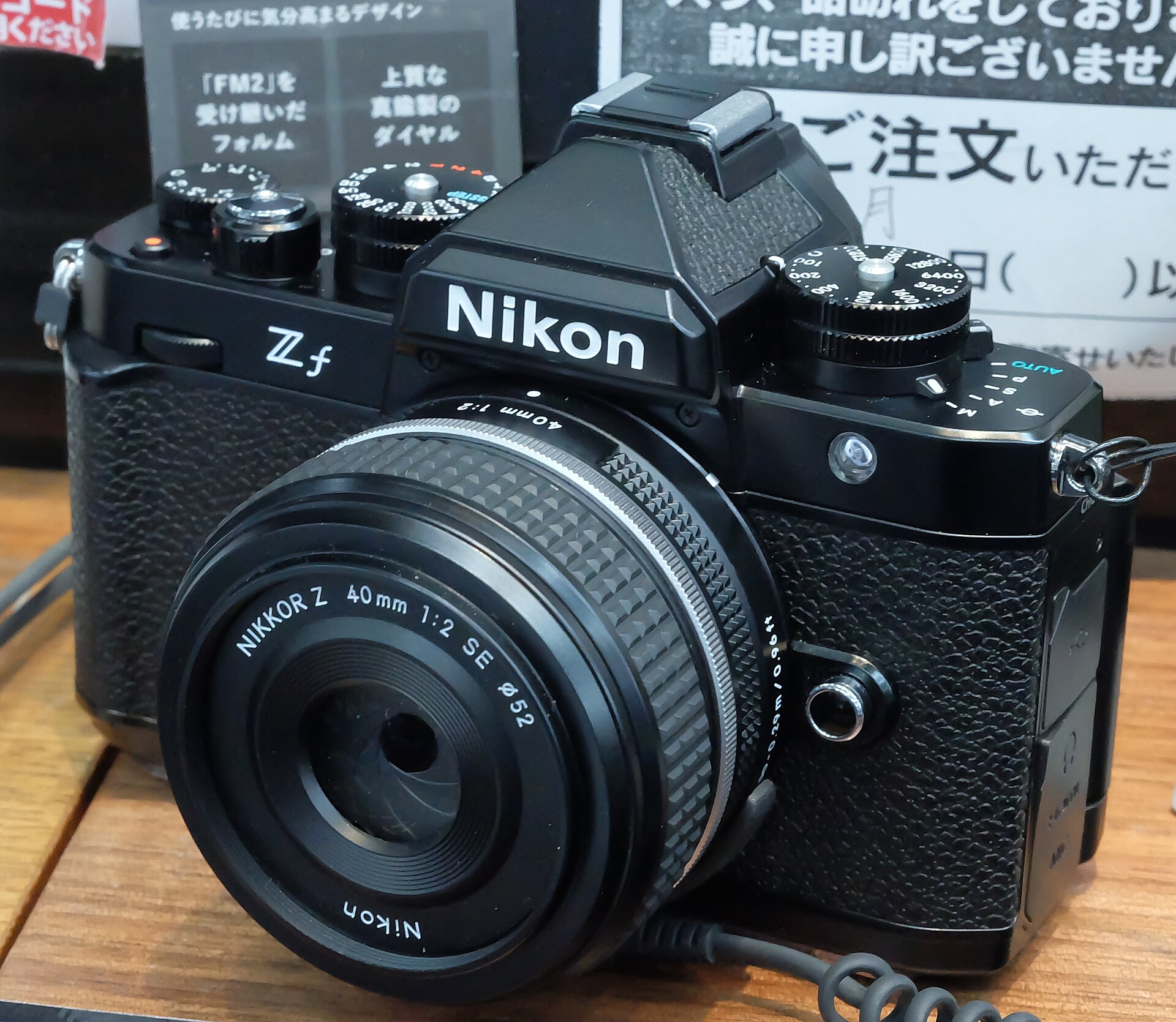
- Nikon’s product pages and specification sheets note that bodies include the camera battery but not extra batteries or multi‑chargers; the Z f is offered in body‑only and kit forms. nikonusa.com
- Panasonic’s Lumix DC‑S5 II documentation explicitly lists what the kit‑lens packages contain (kit lens, strap, battery, charger); separate “K” or “W” kit SKUs are documented. eww.pavc.panasonic.co.jp
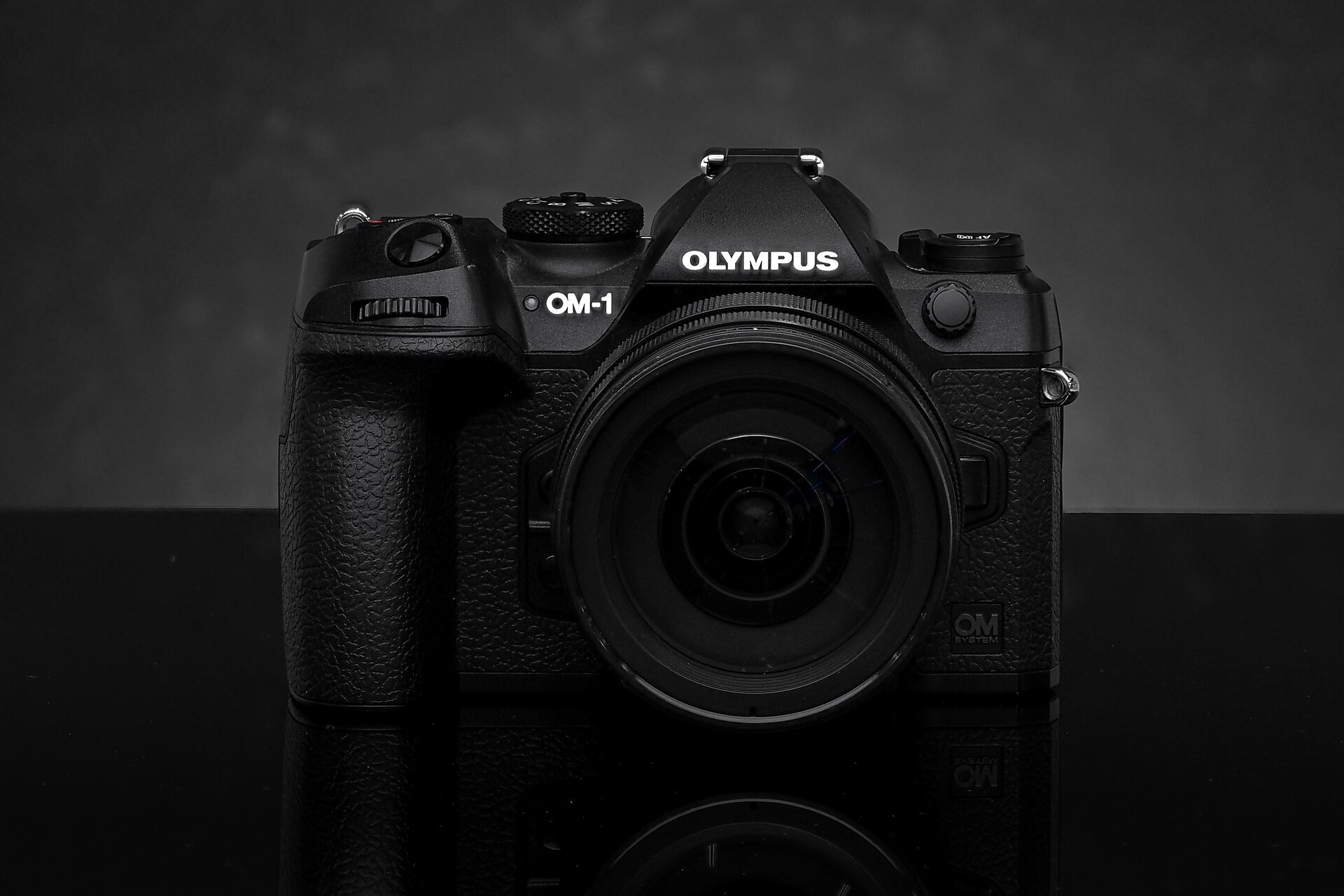
- OM SYSTEM and Fujifilm publish similar kit vs body‑only options and itemised kit contents on their product and shop pages. OM SYSTEM lists kit pricing examples for the OM‑1 and its kit lenses. explore.omsystem.com
The short list: genuinely required items
“Required” here means you cannot reasonably use the camera as intended without it.
- Battery and charger (supplied): every vendor documents a supplied rechargeable battery in the box; you will need it to operate the camera. The supplied single battery is standard. cam.start.canon
- Lens (unless you bought a kit): an interchangeable‑lens camera bought body‑only needs a lens to take photos — kit lenses exist and vendors list kit SKUs for most models. If you buy a body‑only variant you must budget for at least one lens. electronics.sony.com
- Memory card: cameras do not ship with a ready‑to‑use high‑speed card suitable for burst shooting or high‑bitrate video. You must buy one (or several) that meet the camera’s card‑type and speed recommendations. Manufacturers publish the compatible card types in their specs. sony.com
- Method to transfer files (card reader or cable): while you can transfer by USB‑C in many cameras, a card reader is commonly faster and more convenient for large files and is therefore effectively required if you shoot a lot. Vendor support pages describe both methods. sony.com
Why these are the real baseline cost drivers
The advertised camera price often assumes you either accept a kit lens (which is usually inexpensive relative to pro primes) or already own compatible glass. If you don’t, your outlay jumps by the cost of a lens suitable for the work you intend to do — landscape, portrait, sport or video. Manufacturers’ kit pages show that kit lenses are an explicit optional cost line and often represent the cheapest way to obtain acceptable optics. explore.omsystem.com
Accessories sold alongside that are optional but commonly bought
- Extra batteries and multi‑battery chargers — optional but for most shooters essential. Smaller consumer batteries (for bodies like the R10) are lower capacity and will require frequent replacement or spares; OEM spares are sold separately and vendors publish their accessory SKUs. cam.start.canon
- Higher‑speed memory cards — UHS‑II or CFexpress for fast continuous shooting and 4K/8K video. The camera spec pages list supported card types; the card you choose materially affects sustained video recording and buffer clearing. sony.com
- Protective filters and screen protectors — protectors are cheap per item but recurrent; protective filters for lenses (UV or clear) add marginal cost and are sold everywhere. These are optional protection for lenses that can save a costly repair but are not required to make pictures. (Vendor statements about lens filters and lens hoods are in each lens’ documentation.)
- Tripod or monopod — critical for long exposures, telephoto and some video work. Tripods range from cheap compact units to pro carbon fibre legs; they are optional unless your shooting style requires stabilization beyond in‑body IS or a lens’ IS. Vendor spec sheets often highlight in‑body stabilisation, but a tripod remains a different capability, not a substitute. my.omsystem.com
- External microphones, cages and gimbals — bought by people using cameras for video. These are optional for stills; for serious run‑and‑gun video they are effectively essential if you want professional audio and stable motion. Vendor pages for hybrid models (video‑centric listings) show video features but do not bundle professional audio. electronics.sony.com
- Camera bag, straps and insurance — recurring, easy to underestimate costs. Bags range widely in price and are a personal choice but are necessary for transport and protection in most use cases.
How accessories change the “real” cost — examples from vendor lists
Use vendor kit pricing and accessory pages to estimate how a headline price grows when you add typical items:
- Lens as the largest single add: OM SYSTEM lists OM‑1 body pricing and multiple kit options with one or two pro lenses; the kit combinations show how adding one pro zoom adds several hundred dollars to the body price and can be the cheapest path to obtain a decent lens. This demonstrates lenses move the headline price far more than most smaller accessories. explore.omsystem.com
- Spare batteries are inexpensive relative to lenses but essential for long shoots: Canon documents the LP‑E17 battery for the R10 in its accessories list, sold separately from the camera; many owners therefore budget for at least one spare battery in addition to the supplied pack. cam.start.canon
- Memory cards and support: Sony and Nikon camera pages explicitly list supported card types and whether certain high‑speed cards are required for specific recording modes — if you want high‑frame‑rate bursts or high‑bitrate video you must step up to faster (and more expensive) cards. That persistent expense affects workflow costs, particularly for video shooters. sony.com
Practical buying rules to avoid surprise costs
- Check the product page for “box contents” before you buy. The Canon and Panasonic pages list exactly what is included in each SKU; that tells you if a lens or charger is part of your purchase. cam.start.canon
- If you buy body‑only, budget for one lens that covers the focal lengths you need — kit zooms are cheapest but not always smallest or fastest. Vendor kit listings let you compare the incremental cost of buying the lens at purchase versus later. explore.omsystem.com
- Plan for at least one spare battery and one fast memory card for everyday use; manufacturers’ battery accessory lists show OEM part numbers you can compare prices against third‑party options. faq.canon.jp
- Decide if you need video accessories (microphone, cage, gimbal) before purchase; many hybrid bodies have strong video specs, but vendors do not bundle pro audio or stabilisation accessories. electronics.sony.com
Model‑specific signals to watch for in 2026
- If a vendor lists a model only in “Body Only” styling on the official product page (Sony’s ILCE‑6700 shows Body Only styling), expect to need optics as a first purchase. electronics.sony.com
- Where the vendor publishes multiple kit SKUs (OM SYSTEM and Panasonic examples), compare the kit’s lens choice and price to buying the lens separately — sometimes the kit is a saving, sometimes not. OM SYSTEM’s online shop shows explicit kit‑price examples. explore.omsystem.com
- Check battery part numbers in the product manual (Canon publishes LP‑E17 for the R10); if your camera uses a small format battery plan for shorter runtime and therefore another spare. cam.start.canon
Concluding judgement
The headline camera price is only a starting point. Manufacturer documentation shows the bare minimum is simple—one battery, box contents and either a kit lens or a body only — but the practical, usable kit requires lenses, extra batteries, and appropriate memory and support gear. Lenses will change the headline cost most; consumables (batteries, cards) are smaller items but recur. Use the vendor box‑contents and accessory pages to make a realistic budget before checkout. eww.pavc.panasonic.co.jp
Compare the product page’s “box contents” and official accessory lists — the lens and extra batteries are where most budgets expand.