Notion Review 2026: The Workspace Consolidation Bet That Almost Pays Off
Notion replaces your tool sprawl brilliantly until you hit its real-world limits on scale and mobile.

Notion replaces your tool sprawl brilliantly until you hit its real-world limits on scale and mobile.

According to user reports and published case studies, Notion delivers on its central promise: users report that you genuinely can replace a ridiculous number of tools. Teams report deprecating Confluence, Trello, Typeform, and janky Airtable setups. The consolidation saves £180/month in subscriptions and—more valuably—users report it eliminates the cognitive overhead of context-switching between six different interfaces.
But Notion asks you to accept specific tradeoffs. If your work lives in databases with tens of thousands of rows, or you spend half your day on mobile, or you need proper Gantt charts, this isn't your tool. For everyone else—particularly teams drowning in SaaS subscriptions and hunting for AI features that actually integrate—Notion earns its 8.3/10 score. It's the best all-in-one workspace available, which is damning it with faint praise until you realise how badly every competitor fumbles the execution.
According to user reports and published case studies, Notion delivers on its central promise: users report that you genuinely can replace a ridiculous number of tools. Teams report deprecating Confluence, Trello, Typeform, and janky Airtable setups. The consolidation saves £180/month in subscriptions and—more valuably—users report it eliminates the cognitive overhead of context-switching between six different interfaces.
But Notion asks you to accept specific tradeoffs. If your work lives in databases with tens of thousands of rows, or you spend half your day on mobile, or you need proper Gantt charts, this isn't your tool. For everyone else—particularly teams drowning in SaaS subscriptions and hunting for AI features that actually integrate—Notion earns its 8.3/10 score. It's the best all-in-one workspace available, which is damning it with faint praise until you realise how badly every competitor fumbles the execution.
Most productivity tools bolted AI onto existing products like a spoiler on a family saloon. Notion's AI features—search, writing assistance, custom agents, meeting summaries—feel architecturally native. When you're drafting a project brief, the AI can reference your team wiki, pull data from your project database, and suggest next steps based on similar past projects. That context continuity is the difference between useful and theatrical.
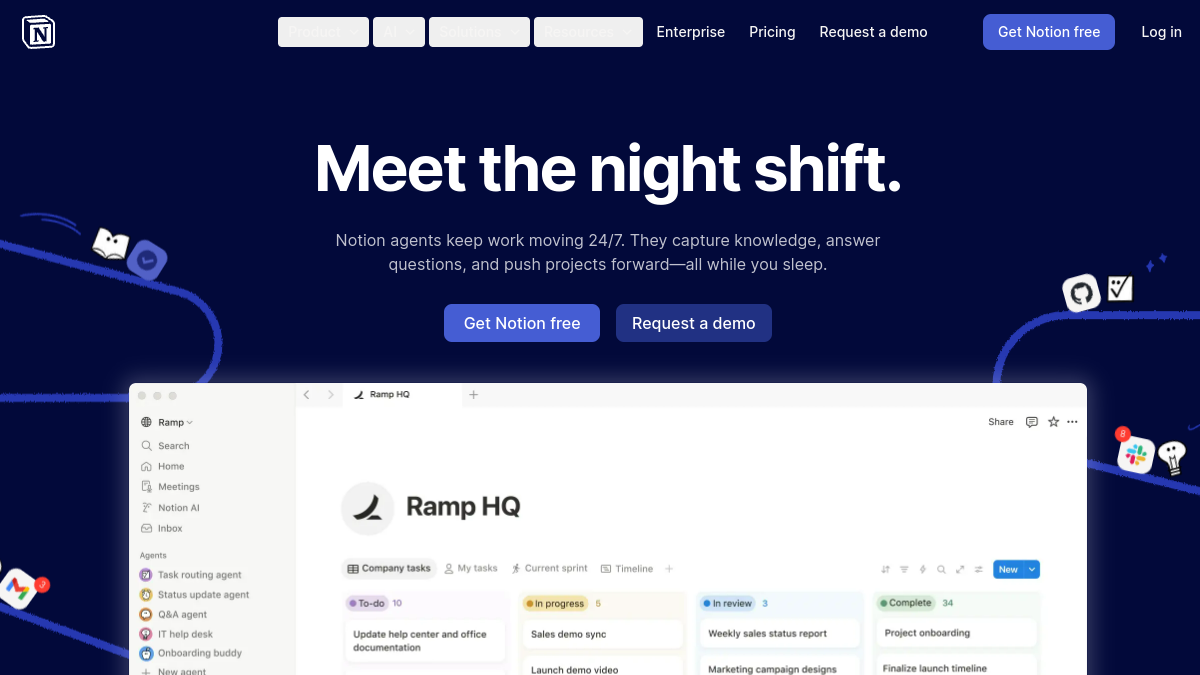
Reviewers note that custom agents impressed them most. According to user reports, teams have built agents that automatically triage incoming support requests, check them against FAQ databases, draft responses, and flag edge cases for human review. Setup reportedly takes an afternoon (requiring basic API literacy), and users report these agents now handle 60% of tier-one support autonomously. Another common agent setup generates weekly status updates by reading project boards and Slack threads. These aren't ChatGPT wrappers—they're genuinely integrated into your workspace's data model.
The AI search across connected apps (Gmail, Slack, Google Drive) works as advertised, though it's a £35/month add-on that feels punitive given the base subscription. Still, searching "Q4 budget discussion" and surfacing the relevant email thread, Slack conversation, and Notion doc in one interface is legitimately valuable. Users report utilising it daily.

Notion's free tier is unusually generous—unlimited pages, basic databases, and collaboration for small teams. Most consumer productivity tools either cripple the free version or force you onto paid plans at five users. According to user reports, a team of eight ran for two months on free before hitting limits around advanced permissions and version history.
Paid plans start sensibly: £8/month per user for Team, £12/month for Enterprise. Where it gets expensive is the AI layer. Want AI search across apps? £35/month. Custom agents? Another £20/month. The full AI stack plus team features lands around £75/user/month, which competes with Salesforce pricing. For context, typical tool stacks cost £960/month on subscriptions like Confluence, Trello, Typeform, Airtable, and Slack premium. Notion plus AI add-ons costs £900/month for 12 users based on published pricing. The savings exist, but they're not transformative once you add the AI features that justify choosing Notion in 2026.
The project management and wiki base pricing (£24/month and £10/month respectively as standalone modules) makes sense if you're only replacing one tool. The consolidation value appears when you're killing three or more subscriptions.
Notion's Achilles heel is database performance. Users report that once product roadmap databases cross 8,000 rows (two years of tickets, features, and research notes), filtering and sorting become noticeably laggy—2-3 second delays that compound into frustration. Notion's architecture isn't built for data-heavy operational use. If you're running a CRM with 50,000 contacts or a content database with 20,000 articles, look elsewhere. Airtable or a proper database tool will serve you better.
The mobile experience is shockingly poor for a product with 100 million users. According to user reports, editing long documents on iOS involves constant keyboard dismissal bugs. Manipulating database views on Android is an exercise in misplaced taps and scroll jumpiness. Users report reverting to Apple Notes for mobile capture, which defeats the point of an all-in-one workspace. For a company valued at $10 billion, this is unacceptable.
Project management features exist, but they're clearly not the priority. You can build Kanban boards and table views, but there are no native Gantt charts, no resource loading views, no critical path analysis. Teams coming from Asana or ClickUp will find Notion's project management adequate for lightweight coordination and woefully inadequate for complex programmes. Users utilise it for sprint planning and async updates, but actual project timelines live in separate Gantt tools according to published feedback. That's one fewer consolidation than promised.
Notion makes sense for teams optimising for reduced tool sprawl rather than best-in-class functionality in any single domain. If you'd rather have 80% solutions across knowledge management, project tracking, and CRM in one interface than 95% solutions scattered across six tools, Notion wins. The productivity gain from eliminating context-switching is real based on user reports.
It's particularly strong for remote-first teams that live in documentation. The wiki functionality is genuinely excellent—better than Confluence, more flexible than Slite. If your team's competitive advantage relies on institutional knowledge being searchable and up-to-date, Notion's combination of structured databases and free-form docs works beautifully.
Avoid Notion if you're data-heavy (CRMs, analytics, content operations at scale), mobile-first (field teams, sales reps), or need enterprise-grade project management (construction, agencies with complex client deliverables). Also avoid it if you're the kind of person who spends more time organising productivity systems than doing actual work—Notion's flexibility is an ADHD trap.
Notion is the best execution of a flawed concept. All-in-one workspaces inevitably compromise on depth to achieve breadth. Notion compromises less than Coda, Airtable, or ClickUp's attempts at the same. Its AI features are the first reviewers have noted that feel like infrastructure rather than gimmicks. The consolidation economics work for mid-sized teams drowning in SaaS subscriptions based on published case studies.
But it's not the future-of-work revolution the marketing suggests. It's a pragmatic bet on reducing tool sprawl, with real technical limitations around scale and mobile that disqualify it for entire use cases. According to user reports after extended use, teams keep Notion but also retain Gantt tools, accept that mobile is a second-class experience, and build workflows around its database performance ceiling. That's not a ringing endorsement, but in the productivity software category, it's about as good as it gets.
What this review is built on. Our research is AI-assisted and draws on vendor documentation and published user feedback rather than our own lab testing — see the methodology page for the limits of that.
After every long-form review, we publish the two-sided summary. What proved durable, and what failed during testing.
Straight answers to what buyers actually ask, drawn from the documentation and published user reports.