
Quick finding
Peripherals that are mostly mechanical or optical—well‑made mice, full‑sized keyboards and webcams—often hold used value because they have few wear‑out parts; items that depend on a small, irreplaceable component (soldered batteries, internal SSD NAND, docking‑controller chips) lose value faster. Before you buy, verify battery health, firmware updateability, connector condition and any published endurance numbers from the vendor.
Why value diverges inside a category
Two forces shape second‑hand value. First, physical longevity: switches and housings can last years; lithium cells, connectors and moving bits (scroll wheels, hinges) wear out. Second, serviceability and vendor policy: if a manufacturer documents replaceable parts or offers firmware updates, that product is easier to keep working and therefore keeps value.
What wears out, by product type
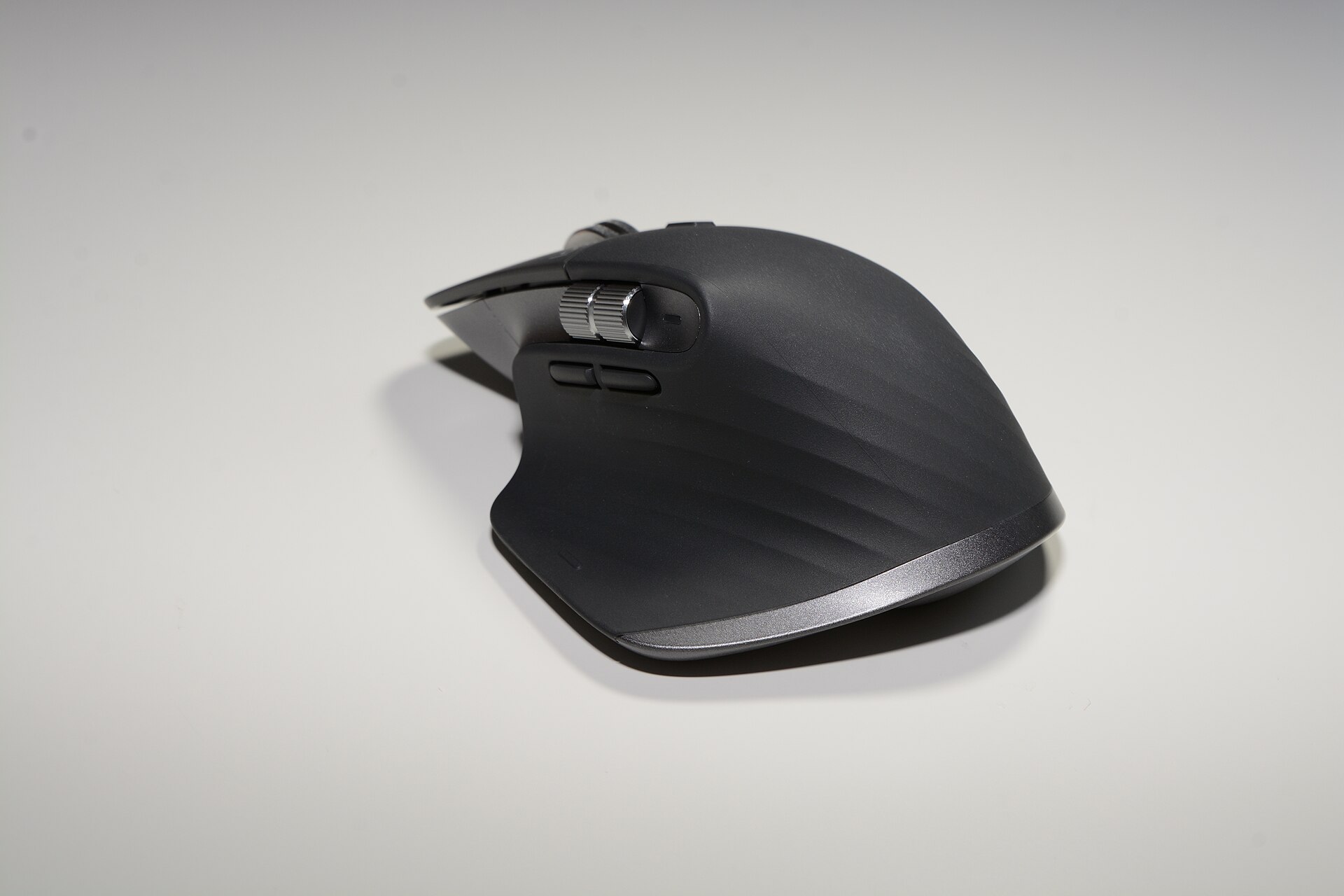
- Wireless mice: rechargeable cells and scroll wheels are the usual failure points. Logitech documents a rechargeable Li‑Po for the MX Master family and lists charge and run times; the battery is not designed as a user‑replaceable part in the product literature, though third‑party repair guides exist. Check charge behaviour and any fast‑charge claims against the vendor page and repair guides. hub.sync.logitech.com
- Mechanical keyboards: switches are usually rated (50M keypresses is common for consumer mechanical switches) and keycaps wear much more slowly than membranes. Keychron publishes switch lifespans for the K2 (Version 2 uses switches rated to around 50 million actuations). If a keyboard is hot‑swappable you can replace worn switches cheaply; fixed‑switch boards lose value faster. keychron.ph
- Scissor‑switch / low‑profile keyboards: vendors often publish a key‑life figure (Logitech lists 10 million clicks for MX Keys‑class products). The risk on used boards is cosmetic keycap wear and battery degradation rather than immediate failure. theworkspacecompany.com
- Webcams and microphones: webcams like the Logitech BRIO are durable optically; autofocus motors and USB connectors can fail, but microphones (USB condenser capsules) rarely 'wear out' except for accidental damage. Check whether the vendor still issues firmware updates and whether the mount and glass are intact. Vendor support pages list firmware and compatibility notes. hub.sync.logitech.com
- Thunderbolt docks and hubs: these are complex boxes. Controller chips and power supplies are single points of failure and compatibility with modern laptops depends on ongoing firmware and driver support. CalDigit publishes firmware and support notes for the TS3 Plus; confirm the dock accepts firmware updates and that firmware was kept current. A dock with missing firmware support or burnt ports is a high‑risk buy. caldigit.com
- Portable SSDs: NAND endurance—not external casing—limits usable life. Samsung publishes TBW (terabytes written) figures and a warranty tied to TBW for the T7 family; if a smaller‑capacity unit has already seen heavy writes it may be near its TBW limit and out of warranty. Check the seller for usage history or receipts and prioritise devices still under the vendor warranty. samsung.com
Checks to make before you pay
- Ask for vendor documentation or serial number: where possible get the serial number and check the vendor’s warranty and registration pages. That confirms manufacturing date and warranty status. For SSDs, Samsung’s warranty statements show TBW‑based limits—ask for proof of purchase or current warranty status. samsung.com
- Inspect battery and charging behaviour: power the device on. For wireless mice and keyboards check reported battery runtime and whether fast‑charge works as vendor states. Logitech’s product pages list battery type and charge speeds; if the battery seems swollen, slow to charge or dies within hours, that’s a decisive downgrade. hub.sync.logitech.com
- Test ports and cables: on docks and webcams plug every port you rely on—DisplayPort/HDMI, USB‑A/C, Ethernet, SD card readers. Ports that cut out under load or intermittently drop devices suggest a failing controller or power rail. CalDigit publishes firmware and driver updates for the TS3 Plus; a dock refusing firmware updates is riskier. caldigit.com
- Read firmware and compatibility notes: look on the vendor support site for firmware changelogs. Vendors sometimes add critical fixes or change compatibility; a dock or webcam stuck on old firmware can be a problem. downloads.caldigit.com
- Check mechanical wear where it matters: test switches and the scroll wheel. For keyboards, confirm all keys register and check for double‑press or debounce issues. For mice, test the sensor across different surfaces and ensure the scroll wheel and side thumb wheel are not sticky. Logitech and other vendors publish expected lifespans for keys and buttons—use those figures for negotiation. theworkspacecompany.com
- For SSDs ask for SMART/TBW status: if the seller can run the SSD utility (Samsung’s software reports TBW and health) that is very helpful. Samsung’s T7 specs list specific TBW numbers and a warranty tied to TBW; if the drive is near its limit price it accordingly. If the seller can’t provide a SMART readout, factor that uncertainty into the offer. samsung.com
- Look for evidence of repairs or third‑party modifications: replaced screws, heat‑shrink, glue or non‑factory labels indicate earlier repair attempts. Repaired batteries, in particular, can be safety hazards. Vendor recycling or service manuals can help you judge whether the product is likely to have been opened. apple.com
How much to pay (rough rules of thumb)
Useful starting points in 2026: for value‑holding items with minimal single‑point failures (full‑sized mechanical keyboards with healthy switches, webcams in good condition) expect 40–65% of current new pricing for a tidy used item; for items with consumable or non‑user‑replaceable parts (non‑serviceable wireless mice, dock units, or SSDs with unknown TBW) price them 20–35% lower than a refurb or new with warranty. Those numbers are negotiation rules, not measured resale rates—use vendor warranty and documented endurance to move the price. If a product is still under manufacturer warranty that alone justifies a higher price.
Products from our catalogue to watch
- MX Master 3S — the MX line is well‑specified and software‑supported; check the Li‑Po battery behaviour and that the scroll and thumb wheels run smoothly. Logitech’s product pages give battery specs and runtime expectations. hub.sync.logitech.com
- MX Keys S — scissor‑switch keyboards list key‑life figures (around 10 million), so check for cosmetic wear and battery charge retention rather than immediate electrical failure. theworkspacecompany.com
- K2 (Version 2) — rated switches (about 50 million actuations on Keychron models) and hot‑swap variants make mechanical Keychron boards safer used buys; verify whether the unit is the hot‑swappable revision. keychron.ph
- Portable SSD T7 (select capacities) — Samsung publishes TBW and warranty tied to TBW; request SMART/TBW data or proof of purchase. The vendor’s spec sheet shows explicit TBW figures and warranty terms. samsung.com
- TS3 Plus — a capable dock but firmware and compatibility matter; check CalDigit’s firmware pages and support notes before buying. Firmware updates have fixed charging and compatibility issues in the past. caldigit.com
Final negotiating points
- Insist on a short, conditional return window if practical: used peripherals can fail quickly after a short stress period (drivers, firmware and power delivery edge cases show up under load).
- Discount for missing vendor support materials: if the seller cannot show proof of purchase, warranty status or TBW/SMART data, reduce your offer accordingly.
- Prefer sellers who can demonstrate the device working under your typical load (your monitor resolution for a dock, your OS and app for a microphone or webcam).
Signed vendor specs and published endurance numbers are the only reliable data you can use when buying used. If the vendor document says the battery or NAND is covered to a specific TBW or time‑period, treat that as a hard fact; otherwise treat the item as consumable. Doing those simple checks will save you money and time.