
Which differences actually matter
Enthusiast and professional peripherals look similar on the desk, but they promise different things. Enthusiast kit sells convenience, ergonomics and a bit of extra performance for people who want a nicer daily experience. Professional kit sells reliability, manageability, throughput and compatibility for people whose income or deadlines depend on predictable results.
Features that push a peripheral into "professional" territory
- Guaranteed long-term support and mass-deploy tools: docks and input devices with firmware update systems and IT deployment guidance. This matters if you manage many machines.
- Interface and throughput that match professional workflows: Thunderbolt docks with sustained power and multiple high-bandwidth ports, or SSDs with consistent write performance for long video captures.
- Service and warranty terms aimed at business use (longer warranties, business-replacement programmes).
- Interchangeable pro-grade interfaces: XLR or SDI on audio/video devices, or enterprise-grade USB-C/Thunderbolt for docking and displays.
- Predictable, documented endurance: click lifetimes, MTBF, rated cycle counts and thermal behaviour.
Features that are mostly pleasant extras
- Customisable RGB lighting and cosmetic finishes.
- High maximum DPI on mice beyond what human tracking needs for productivity.
- Software macros and per-app mapping that are convenience, not necessity.
Category-by-category: what to buy when
Mice
If your work is heavy pointer precision (CAD, photo retouching, large multi-monitor spreadsheets) ergonomics and custom buttons repay themselves. But the line to pro kit is reached when an organisation requires manageability: central firmware updates, device policies and a stated service life.
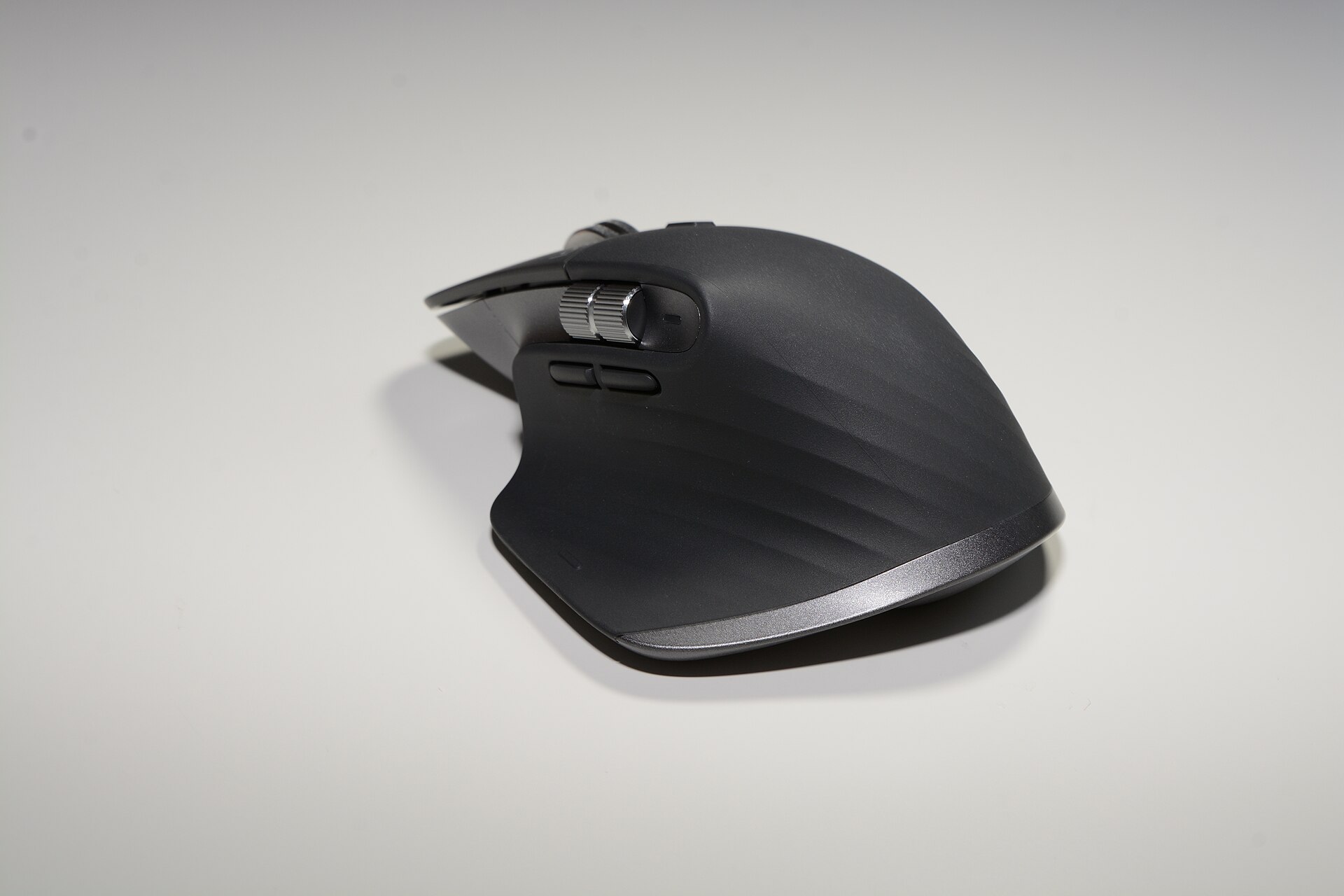
Logitech positions the MX Master line as a productivity mouse with business-friendly options. The MX Master 3S is offered in both consumer and business variants, and Logitech publishes a 10 million clicks reliability figure and Logi Options+ for central customisation and flow features. These are the indicators to watch when a team needs predictable replacements and IT control. logitech.com
If you are a single user who values comfort and side-buttons, an enthusiast MX-style mouse is enough. If you run a fleet, pick the business-stated variant and insist on deployment support.
Keyboards
Keyboards split along three axes: feel, layout and management. Mechanical keyboards such as the Keychron K2 (Version 2) give an enthusiast typing experience and easy customisation; they are rarely supplied with business support documents or long corporate warranties. keychron.com
By contrast, Logitech’s MX Keys S is presented as a high-performance, business-friendly keyboard with smart illumination and software customisation aimed at productivity users — the kind of device a company will accept on a desk policy. If you need low training time, consistent key legends across many units, or IT-friendly pairing, a business-targeted model is worth the premium. logi.com
Webcams
For a one-person home office, many enthusiast webcams are fine. For anything that will represent a brand or be used in recorded production, prefer a webcam with explicit pro features: 4K capture, HDR, manual exposure control and an enterprise datasheet. Logitech’s BRIO 4K is a clear example: its marketing and datasheet list 4K capture, HDR and an emphasis on professional meeting quality — the kind of documentation you need if you must standardise on a single image pipeline. logitech.com
Microphones
USB condenser mics like the Yeti X sit in a grey area designed for streamers and podcasters. Logitech presents the Yeti X as a “flagship USB microphone for professional gaming, Twitch streaming, podcasting and YouTube productions”; it is USB-only and therefore easiest to deploy, but it lacks the pro audio desk connectivity (XLR, preamp routing) that studios use. If you record single-guest interviews or livestreams directly to a computer, a high-end USB mic is a professional convenience. If you need multichannel recording, broadcast-grade preamps or redundancy, that is when you need an audio interface and studio mics. logitechg.com
Docks and hub stations
Here the technical line is often the decisive one. Enthusiast hubs suit laptops and light multi-screen setups; professional docks must deliver sustained power, multiple display streams and enterprise firmware support. CalDigit marketed the TS3 Plus as a Thunderbolt dock with a large complement of ports and laptop charging, and CalDigit’s product pages emphasise the port count and power delivery — the exact metrics teams check when buying for creative workstations. If you run 4K/60 displays, external GPUs or multiple high-speed SSDs, pick a dock whose datasheet lists the supported display configurations and sustained power output. caldigit.com
Portable SSDs
Speed numbers can be misleading. The Samsung Portable SSD T7 advertises up to ~1,050MB/s read performance on its product pages; that peak is useful, but professionals should look for consistent sustained write rates, thermal throttling behaviour and whether the vendor supplies software for secure wipes and device management. For single-file transfers and occasional media moves, a T7-sized drive is an enthusiast-friendly, high-value option; for multi-hour camera offloads or continuous capture you want an enterprise- or pro-grade drive built for sustained throughput. samsung.com
Who genuinely needs to cross the line
- Small teams and businesses that must standardise on equipment for training, compliance or security. They need business-class peripherals with deployment tools and documented lifecycles.
- Creators who capture large, sustained data streams — e.g. multicam 4K video — and therefore require docks and storage engineered for continuous throughput rather than burst speed.
- IT departments and AV managers who must manage firmware and mass updates remotely; consumer-focused devices often lack those capabilities.
- Users whose income depends on reliability and rapid repair or replacement: a one-day failure is materially costly to them. Here, business warranties and replacement programmes are worth the price premium.
How to choose in 2026: a short checklist
- Read the vendor datasheet for service-life figures (click cycles, MTBF) and mass-deploy tools; if it isn’t published, don’t assume it exists.
- For docks, match the port and power numbers on the product page to your display and laptop requirements — don’t rely on generic “supports multiple displays”.
- For audio, decide whether USB simplicity or multi-channel XLR routing is the blocking requirement for your workflow.
- For storage, prioritise sustained write figures and thermal notes over peak sequential read numbers if you offload cameras or record live streams.
- When buying for a team, insist on the business variant or the enterprise datasheet so procurement can treat the devices as managed assets.
Where our catalogue sits
Our catalogue holds a mix of enthusiast and business-oriented items. Examples: the MX Master 3S is presented by its vendor with business-focused variants and deployment support, which is what moves a mouse from "premium enthusiast" to plausible professional kit for teams. logitech.com
The BRIO 4K is a product whose specification sheet emphasises 4K and HDR capture — attributes you can point to in a procurement specification. logitech.com
The CalDigit TS3 Plus is explicitly marketed on CalDigit’s site as a multi-port Thunderbolt dock with laptop charging, the sort of documented capability you need to verify before supplying a crew of creative workstations. caldigit.com
The Portable SSD T7 advertises roughly 1,050MB/s read speeds on the vendor page, but the same page and brochures are also the place to check thermal and sustained performance notes for real-world capture. samsung.com
Bottom line
Buy enthusiast gear if you want a nicer daily experience and the occasional performance boost. Buy professional-class peripherals when your workflow requires predictable performance, documented support and IT management. The vendor datasheet and business product pages are the single best evidence to decide which side of the line you need to be on — if the document you need is missing, treat the device as an enthusiast product until you can confirm otherwise.