
Start with purpose, not appearance
Decide what the peripheral must do for you. Are you buying a daily-driver mouse for long office sessions, a compact mechanical keyboard for hybrid work, a webcam for video calls, a USB microphone for streaming, a fast portable SSD for large media files, or a dock to turn a laptop into a workstation? The appliance’s primary role determines the technical priorities you should apply when you compare models.
Six criteria every first-time buyer must set
- Compatibility and software: which operating systems and drivers are supported, and whether vendor software is required for key features (macOS or Windows-specific hotkeys, firmware updates, or advanced camera controls). If you need OS‑level integration (for example Touch ID keyboards on Apple silicon Macs) check the vendor tech pages for precise compatibility statements. support.apple.com
- Connectivity and standards: wired (USB‑C/USB‑A) vs wireless (Bluetooth, proprietary 2.4GHz dongle), which Bluetooth version and whether the device supports the latest low‑energy audio or peripheral features. For docks, confirm Thunderbolt version and power‑delivery limits. These standards determine latency, multi‑host switching and future proofing. bluetooth.com
- Latency and performance where it matters: for audio captures, video conferencing and competitive gaming, look for low-latency wireless designs, microphone SNR and webcam frame‑rates; for storage, check sequential read/write and interface (NVMe over USB 3.2 vs USB 2.0 fallback). Vendor spec sheets list the figures you should treat as primary. semiconductor.samsung.com
- Ergonomics and daily comfort: hand shape and posture for mice; key profile, travel and switch type for keyboards; webcam placement and field of view; microphone mounting and pickup pattern. Ergonomics are subjective but decisive — don’t buy purely on looks.
- Power and battery model: wired devices are simplest; for rechargeable peripherals note stated battery life, charging method and whether the device works wired while charging. For docks, check host charging (W) and whether the dock supplies enough power for your laptop model. CalDigit’s TS3 Plus, for example, targets Thunderbolt 3 hosts and lists its port and PD support on the product pages. caldigit.com
- Support, firmware updates and warranty: plug‑and‑play is good, but vendor firmware updates fix issues and add features. Check official warranty periods and update tools before deciding; manufacturers publish these details on support pages. semiconductor.samsung.com
How to translate those criteria into a short shortlist
- Filter by OS compatibility first. If you run macOS-only, exclude Windows‑only driver features.
- Then filter on connection type. If you need sub‑20ms response for remote gaming or low-latency audio monitoring, prefer wired or a low‑latency USB dongle option over generic Bluetooth.
- For storage and docks, match interface: if you need sustained 1,000+ MB/s transfers, require USB 3.2 Gen 2 / NVMe or Thunderbolt on the spec sheet. Samsung’s T7 family advertises up to ~1,050 MB/s reads over USB 3.2 Gen 2. semiconductor.samsung.com
- For webcams and microphones, require vendor SNR, sample rates and resolution/frame-rate claims. Check whether the webcam offers hardware HDR or 4K capture on the product support pages. support.logi.com
Specific technical trade-offs, explained
Wireless: Bluetooth flavour vs proprietary dongle
Bluetooth is universal but different versions matter. Bluetooth LE Audio and the LC3 codec (arriving with Bluetooth 5.2 and later) change how audio is encoded and streamed, lowering power and improving multi‑stream options — useful for headsets and some audio peripherals. If low-latency audio is essential, or you need a stable, interference-resistant link for a gaming mouse, a manufacturer’s 2.4GHz dongle often gives lower real‑world latency than generic Bluetooth. Confirm codec and version on vendor pages and developer docs. bluetooth.com
Keyboards: switch type, layout, and maintainability
Decide whether you want membrane, scissor or mechanical switches. Mechanical switches (tactile/linear/clicky) are louder but longer lived; hot‑swappable sockets let you change switches later without soldering — check the product page if that matters. For Apple users, check whether the keyboard supports macOS-specific keys and Touch ID integration where applicable. Vendor technical specs and support pages list these compatibility details. support.apple.com
Mice: sensor DPI and ergonomics, not RGB
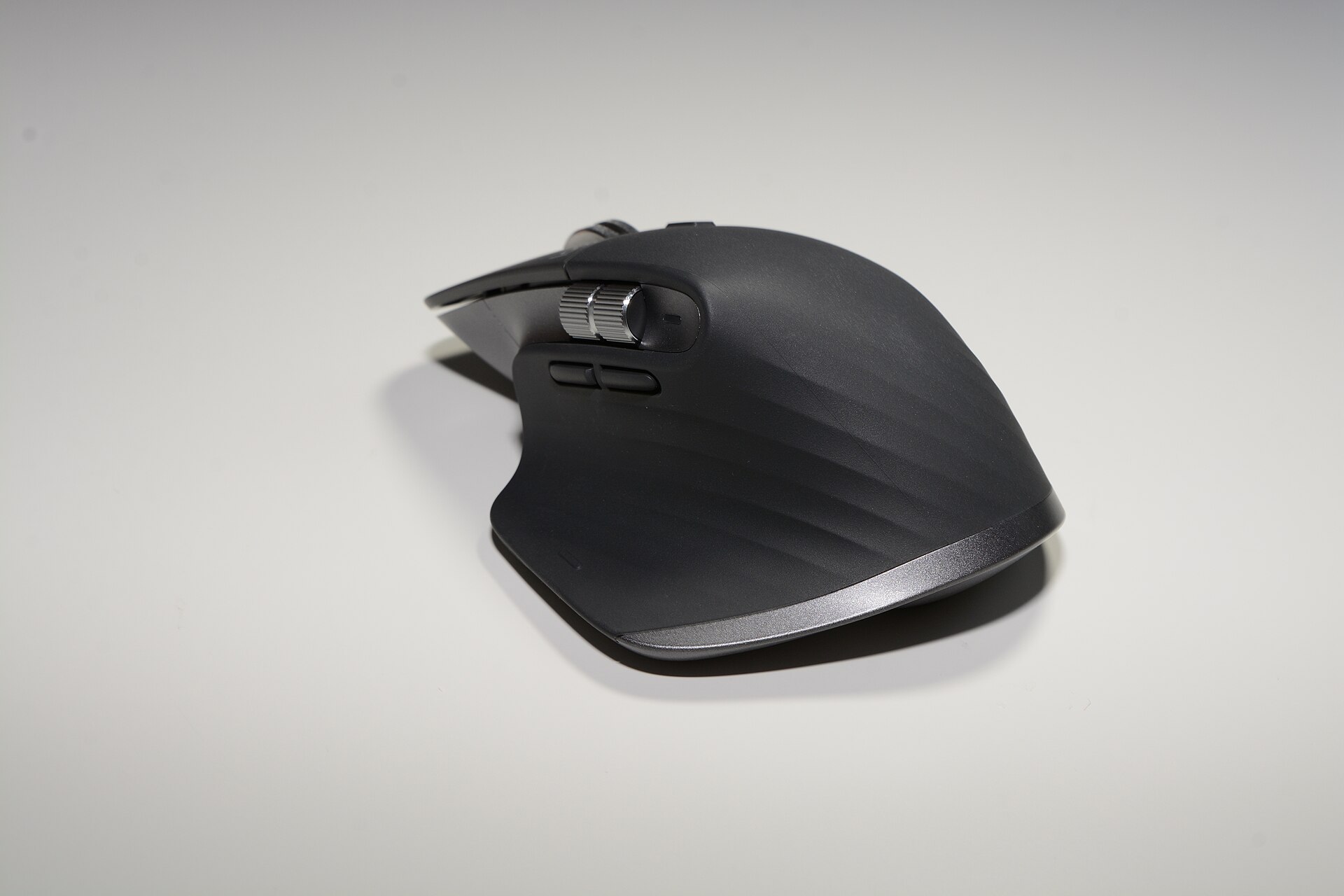
Vendor DPI figures are marketing, but the underlying sensor (optical vs laser, reported DPI ranges) and the ergonomics determine daily comfort. For productivity mice the scroll wheel quality, thumb controls and battery claims matter; the manufacturer’s spec sheet will state battery life estimates and sensor family. origin2.logitech.com
Webcams and microphones: capture chain matters
For webcams check native resolution, frame rate at that resolution, field of view and whether the vendor supplies autofocus and exposure controls via software. The Logitech BRIO 4K’s support pages give the exact capture and software compatibility details you should use to compare models. For microphones, sample rate, bit depth and pickup pattern are the key numbers — vendor manuals and spec sheets list them rather than review sites. support.logi.com
Docks and SSDs: interface and power are king
For docks, confirm the Thunderbolt version. Thunderbolt 4 adds stricter certification, higher minimum host charging and multi‑display guarantees compared with Thunderbolt 3; older TB3 docks still work but check the port map and power delivery on the vendor page rather than assuming parity. CalDigit’s documentation and comparison pages list the differences between its TS3 Plus and later TS4 models. caldigit.com
For portable SSDs you want the advertised sustained read/write figures and the interface. Samsung’s T7 series uses NVMe and USB 3.2 Gen 2 to reach roughly 1,000 MB/s class read speeds, and the vendor lists AES‑256‑bit hardware encryption and platform support in its documentation. Use the manufacturer brochure for exact capacity and warranty information. semiconductor.samsung.com
Buying checklist (quick)
- Confirm OS compatibility on the vendor support/spec page. support.apple.com
- Match interface: USB‑C/Thunderbolt/USB‑A/Bluetooth version. caldigit.com
- Verify latency claims for wireless devices in manufacturer documentation.
- Check battery life and whether the device is usable while charging (vendor specs will say). origin2.logitech.com
- Read the warranty and firmware update policy on the official site. semiconductor.samsung.com
How to use our catalogue after you apply the criteria
Apply the filters above to the shortlist you made from vendor pages. Our catalogue lists common peripherals by model name and slug so you can move from general criteria to model comparison quickly. Examples in our catalogue that match the categories above include MX Master 3S (productivity mouse), MX Keys S (productivity keyboard), BRIO 4K (webcam), Yeti X — Professional USB Microphone, Portable SSD T7 (select capacities), TS3 Plus - Thunderbolt Station 3 Plus, Magic Keyboard with Numeric Keypad and K2 (Version 2) Wireless Mechanical Keyboard.
One final pragmatic note
Vendor pages and official support documents are the authoritative sources for the technical facts you need — they list exact compatibility, power and performance figures. Use those numbers to rule peripherals in or out before you read reviews. Where standards have recently changed (for example Bluetooth LE Audio/LC3 or the shift from Thunderbolt 3 to Thunderbolt 4), rely on the vendor’s published compatibility notes to decide whether a product will work the way you expect. bluetooth.com
Decide purpose, then match compatibility, connectivity, latency, ergonomics and warranty — use vendor spec pages to make the shortlist.