GoDaddy Hosting 2026: Steep Renewal Costs Undermine Beginner-Friendly Appeal
Attractive entry pricing masks substantial renewals that frustrate long-term customers.

Attractive entry pricing masks substantial renewals that frustrate long-term customers.

GoDaddy's shared hosting uses cPanel on NVMe storage across three tiers: Economy ($5.99/mo for one site, 25 GB), Deluxe ($7.99/mo for ten sites, 50 GB), and Ultimate ($12.99/mo for twenty-five sites, 75 GB). However, this pricing requires commitment: GoDaddy's advertised prices require a 36-month upfront commitment on hosting and VPS (12 months on managed WordPress), and renewal roughly doubles the monthly rate.
A $5.99/month hosting plan may renew at $10.99–$14.99/month, and GoDaddy domain renewals typically cost around $19.99 to $22.99 per year for popular extensions like .com. Hosting one website with GoDaddy's Economy plan costs $5.99 a month the first year, and $9.99 after. For unlimited websites (Deluxe plan), it's $7.99 per month the first year, and $13.99 after. This structure means users lock in artificially low rates and face surprise increases upon renewal, which explains the frustration evident in user reviews.
GoDaddy's shared hosting uses cPanel on NVMe storage across three tiers: Economy ($5.99/mo for one site, 25 GB), Deluxe ($7.99/mo for ten sites, 50 GB), and Ultimate ($12.99/mo for twenty-five sites, 75 GB). However, this pricing requires commitment: GoDaddy's advertised prices require a 36-month upfront commitment on hosting and VPS (12 months on managed WordPress), and renewal roughly doubles the monthly rate.
A $5.99/month hosting plan may renew at $10.99–$14.99/month, and GoDaddy domain renewals typically cost around $19.99 to $22.99 per year for popular extensions like .com. Hosting one website with GoDaddy's Economy plan costs $5.99 a month the first year, and $9.99 after. For unlimited websites (Deluxe plan), it's $7.99 per month the first year, and $13.99 after. This structure means users lock in artificially low rates and face surprise increases upon renewal, which explains the frustration evident in user reviews.
Users consistently praise GoDaddy Hosting for its ease of use and reliable performance, making it a suitable choice for beginners and small businesses. Many appreciate the intuitive interface and quick setup, which simplifies website management. Nearly every hosting plan offered by GoDaddy is equipped with the industry-standard cPanel. The cPanel is the intuitive control panel with a graphical interface that you'll use to manage your website and control your server—even if you've got no existing technical skills.
It offers well over 100 applications such as WordPress, Drupal, and Joomla that can be installed with a single click. This reduces the burden of technical experience and lets you launch your website even faster. Yet for developers, GoDaddy does lack some features compared to Hostinger. While all the essential stuff is there, you just get a lot less functionality overall.
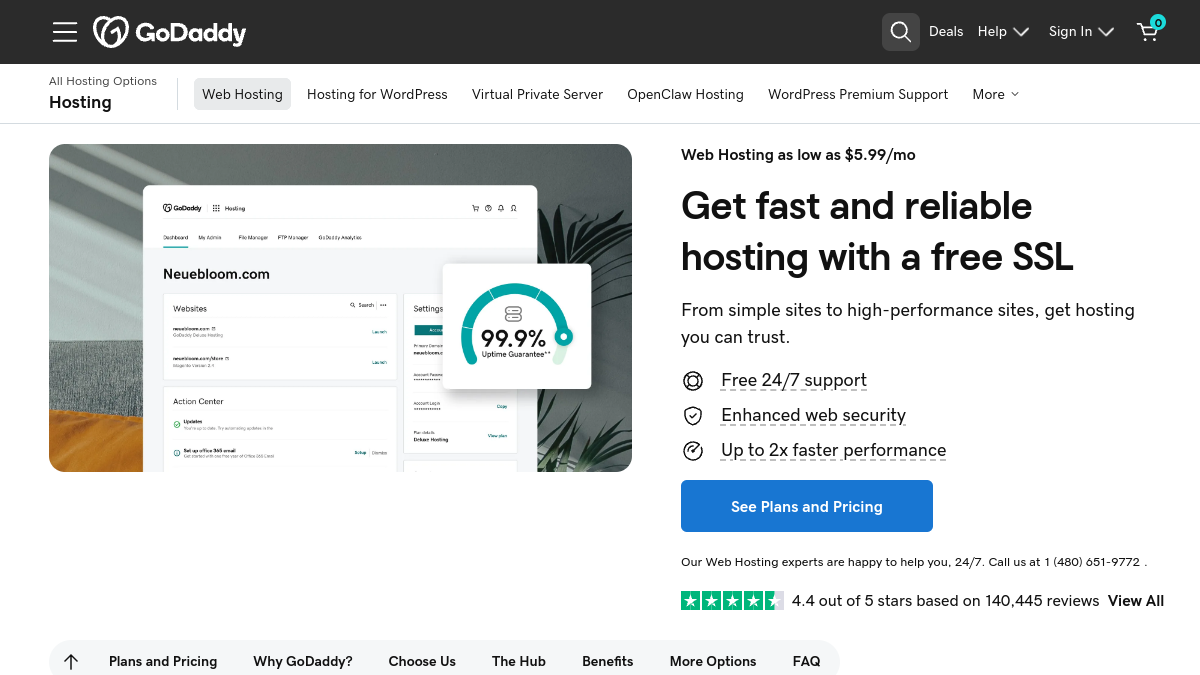
GoDaddy's Managed Hosting for WordPress is backed by our 99.9% uptime guarantee, and according to independent testing from multiple sources, GoDaddy's actual uptime often exceeds their 99.9% guarantee. However, speed is more nuanced. By default, GoDaddy is okay speed-wise, but it's not fully set up for best performance. You must configure caching and CDN to get competitive speeds.
GoDaddy runs all its shared hosting on old Apache servers, so speed isn't much of an option. You do get SSD storage with the WordPress plans, which is a plus. GoDaddy's managed WordPress product includes automatic WordPress updates, daily backups, a free CDN, and a staging site on higher tiers, which provides a more modern option for WordPress-specific workloads.
For most users, especially beginners and small businesses, GoDaddy's feature set is enough to run a secure, visually appealing, and strong WordPress site. The plans cover all the main security needs, and the Airo Site Designer provides a fast, modern way to build a website. You get a basic SSL certificate for free for the first year, daily backups, and GoDaddy, which provides network security for its servers (24/7 monitoring).
Yet GoDaddy requires paying for more security features. Standard plans have basic security features such as fraud, virus, and spam protection. However, the security features are expensive, so ensuring your website's protection will require you to increase your budget. Sure, you get a free SSL certificate, but if you want it for more than a year, you can't buy the cheapest plan.
GoDaddy has well-developed support channels which include phone, email, and live chat. If you don't want to talk to an individual, you can tap into the knowledgebase and video tutorials which span almost every aspect of GoDaddy's services. It's one of the few web hosts that offers SMS support.
However, the support reps are knowledgeable but you may have to navigate around the occasional upsell – especially when you call in for help. Support availability is strong, but interactions often push additional products, making the experience transactional rather than purely service-oriented.
The value proposition centers on ecosystem consolidation — one account, one support line with actual phone access, 500+ domain extensions, and integrated Microsoft 365 email. GoDaddy excels at attracting new users with low introductory pricing and an intuitive interface. Beginners and small business owners get a genuinely smooth experience: WordPress pre-installed, a clean dashboard, solid performance (100% GTmetrix score, 412ms LCP), and proactive live support, all under one roof with domains, email, and marketing tools.
However, some users note that the pricing can be high, especially upon renewal, which may deter long-term commitment. On Sitejabber, GoDaddy has a rating of 1.7 stars from over 500 reviews, a stark contrast to the honeymoon phase. For budget-conscious users planning multi-year commitments, rivals like Hostinger or Namecheap offer more stable long-term pricing. GoDaddy remains suitable for beginners willing to migrate after year one or those who value ecosystem convenience over cost efficiency.
What this review is built on. Our research is AI-assisted and draws on vendor documentation and published user feedback rather than our own lab testing — see the methodology page for the limits of that.
After every long-form review, we publish the two-sided summary. What proved durable, and what failed during testing.
Straight answers to what buyers actually ask, drawn from the documentation and published user reports.