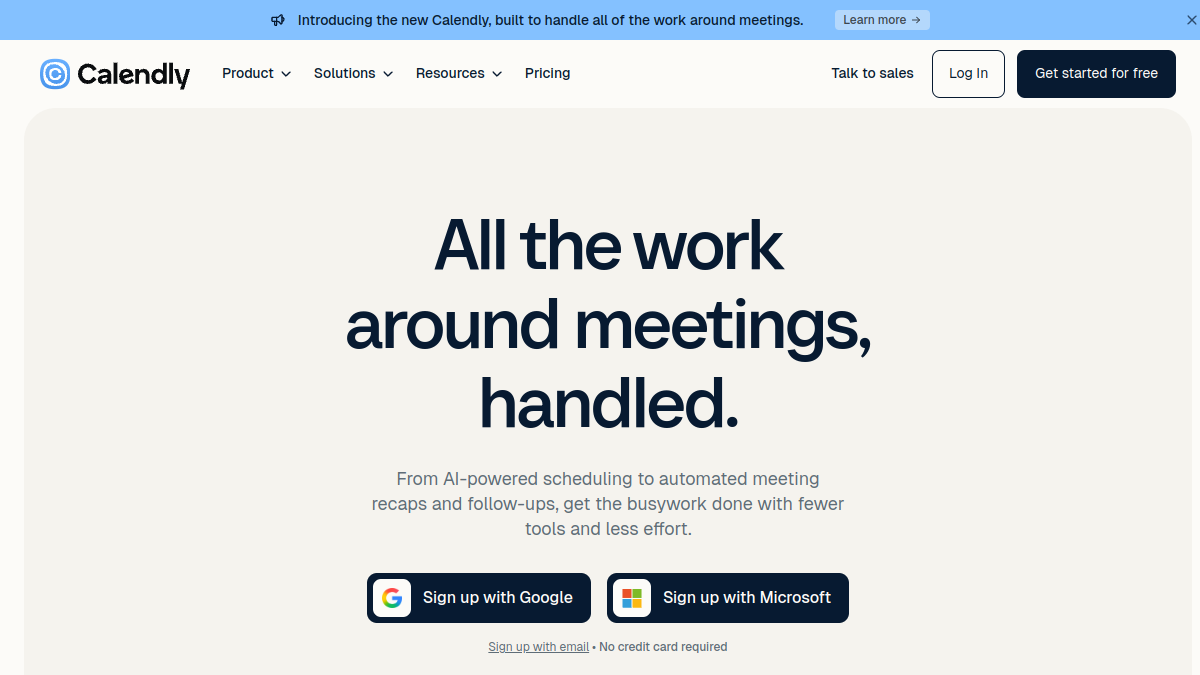
Calendly Review 2026: Strong Scheduling, But Pricing Escalates Quickly
A genuinely useful meeting automation tool that works well for solo users but becomes costly at scale.

A genuinely useful meeting automation tool that works well for solo users but becomes costly at scale.

Calendly's primary strength is straightforward and enduring: it removes the tedious back-and-forth of coordinating meeting times. Users share a booking link, invitees select from available slots, and both calendars update automatically—no manual coordination. This solves a genuine pain point. Research-based user feedback consistently praises how Calendly allows users to simply share a scheduling link and let others choose from available time slots, saving time and reducing scheduling conflicts.
The platform excels at integration. Users report that Calendly streamlines meeting and appointment scheduling by integrating smoothly with popular calendar apps like Google and Outlook, allowing easy sharing of booking links for both individuals and teams. Calendar sync prevents double-bookings without additional admin work, and time-zone detection automatically adjusts for international coordination—both features that justify the existence of the product.
For individual professionals and freelancers, the free plan is genuinely generous. The free plan includes one active event type, one calendar connection, video conferencing links, a customizable booking page, mobile apps, and the browser extension. Users report satisfaction with this tier, particularly for consultants managing a single meeting type.
Calendly's primary strength is straightforward and enduring: it removes the tedious back-and-forth of coordinating meeting times. Users share a booking link, invitees select from available slots, and both calendars update automatically—no manual coordination. This solves a genuine pain point. Research-based user feedback consistently praises how Calendly allows users to simply share a scheduling link and let others choose from available time slots, saving time and reducing scheduling conflicts.
The platform excels at integration. Users report that Calendly streamlines meeting and appointment scheduling by integrating smoothly with popular calendar apps like Google and Outlook, allowing easy sharing of booking links for both individuals and teams. Calendar sync prevents double-bookings without additional admin work, and time-zone detection automatically adjusts for international coordination—both features that justify the existence of the product.
For individual professionals and freelancers, the free plan is genuinely generous. The free plan includes one active event type, one calendar connection, video conferencing links, a customizable booking page, mobile apps, and the browser extension. Users report satisfaction with this tier, particularly for consultants managing a single meeting type.
The availability system lets users define working hours, daily meeting limits, buffer times between calls, and minimum scheduling notice, and syncs bookings directly to the calendar, reducing double bookings. These are solid workflow features. Calendly has four main event types: one-on-one, group, collective, and round robin, offering flexibility for different scheduling scenarios.
However, users encounter limitations in personalisation. A significant problem is the lack of personalisation and control over the details of the scheduling process, which does not allow creating a unique design, booking page, and individual customer journey and managing complex booking scenarios. The platform is optimised for straightforward scheduling, not elaborate customer journeys or deeply customised workflows. For recruiters or support teams with complex routing needs, the constraints become apparent.
The Teams plan at $20 per month per seat (or $16 billed annually) includes Salesforce integration, round-robin scheduling, and lead routing, with admin features for managing team events and permissions. These justify the upgrade for sales and recruiting teams, but they're gated behind a significant price increase.

User reviews are consistently positive about core functionality. Users find the software user-friendly and beneficial for small businesses and individuals who need basic scheduling functionalities without incurring costs. Users report that Calendly is very user friendly and integrates well with other platforms.
The friction points are predictable. Some reviewers feel that the limitations of the free version can be frustrating, particularly the restriction to one event type and the lack of advanced customization options. A common complaint: when teams grow and need features like round-robin routing or Salesforce sync, the price jump feels steep relative to competitor offerings.
Reviewers appreciate the automated reminders, notifications, and customizable options that help reduce no-shows and keep everyone informed. The product delivers on its promise. The question is whether the value proposition holds as usage scales and feature demand increases.
Calendly offers a solid product but gets expensive quickly for teams; at $16/seat/month for team features, a 10-person team pays $160/month, while alternatives like SchedulingKit offer similar features with more generous free plans and affordable team pricing, saving most businesses 50-80% annually. This isn't a decisive verdict against Calendly—integrations, brand recognition, and polish matter—but it reflects genuine competitive pressure on pricing.
Calendly's dominance stems from ease of use, integrations, and market first-mover advantage. For a freelancer or small business, it remains a sensible choice. For growing teams, the per-seat model and feature gating push organisations toward evaluating alternatives.
Calendly solves a real problem elegantly. The free plan legitimately serves solo users. The platform's calendar integration, automation, and user experience justify its presence in productivity stacks. Yet the pricing structure reveals a business model optimised for expansion rather than accessibility. The free-to-Standard jump introduces value; the Standard-to-Teams jump introduces friction.
For individuals and small teams staying within one or two users, Calendly is a no-brainer. For organisations managing 5+ people with diverse scheduling needs, the maths demand scrutiny. The August 2026 addition of Plus plans further increases the entry cost for teams seeking AI features, tightening margins on value. Calendly remains competent, but not compelling for price-sensitive buyers at scale.
What this review is built on. Our research is AI-assisted and draws on vendor documentation and published user feedback rather than our own lab testing — see the methodology page for the limits of that.
After every long-form review, we publish the two-sided summary. What proved durable, and what failed during testing.
Straight answers to what buyers actually ask, drawn from the documentation and published user reports.